Branding (white label)
TurtleReport → Settings → Branding (white label) sets your brand name, logo, colour and footer text. They apply to the report screen, PDFs and emails.
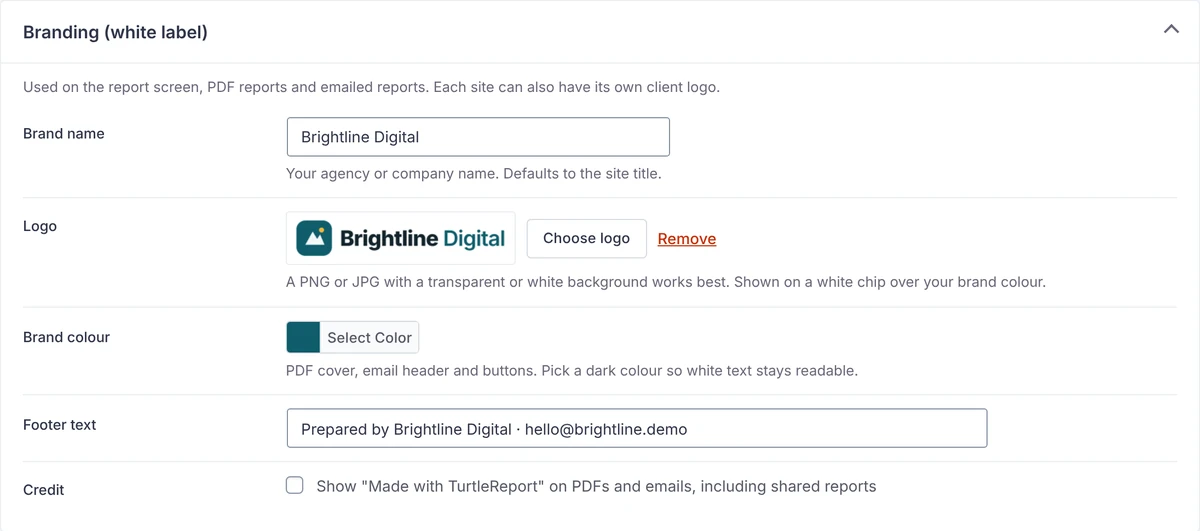
- Each site can add a client logo, shown next to yours on its PDF cover and emails.
- A PNG or JPG with a transparent or white background works best.
- Pick a dark brand colour so white text stays readable on the PDF cover, email header and buttons.
- The “Made with TurtleReport” credit is off unless you choose to show it.