AI Advisor
Ask anything about a client. Get a straight answer.
Plain-English answers built from that client's Search Console, GA4, Business Profile and Client Monitor data.
How it works
Ask, read, answer.
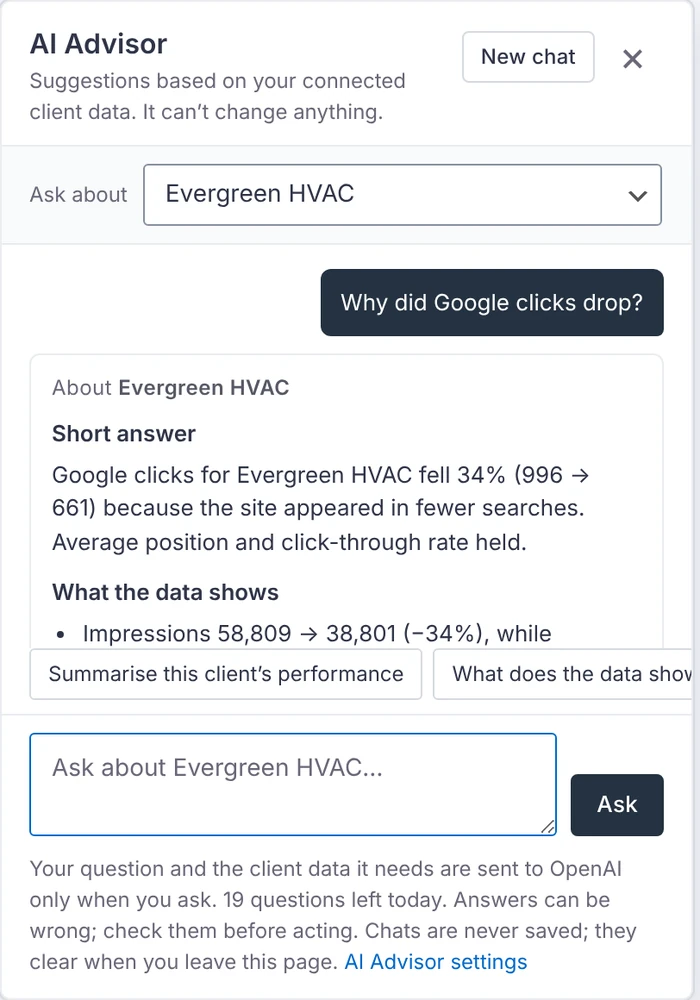
Ask from the floating button on the Client Monitor or any report, or straight from an issue.
- Ask about one client or all the clients you can see
- It reads that client's numbers for the dates shown
- You get a short answer, what the data shows, possible causes and next steps
- Every answer lists its sources and dates, and says when data is missing
Suggested questions
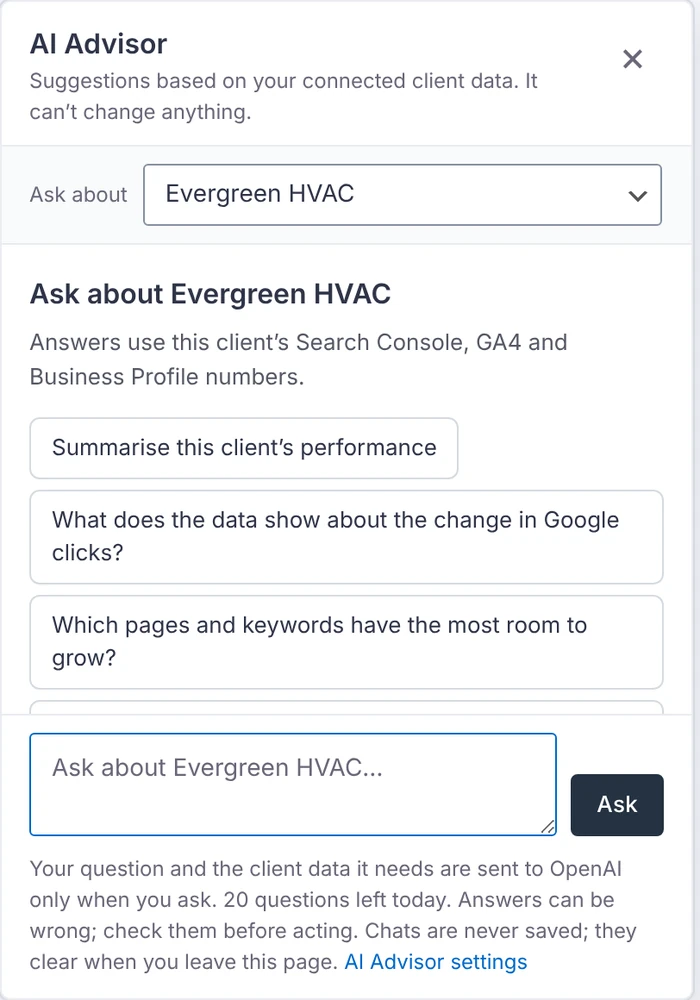
Start with the questions agencies ask most.
Pick a suggestion or type your own.
- Which clients need attention this week?
- What should my SEO team prioritise?
- Which pages and keywords should we work on next?
- How have leads from organic search changed, and on which pages?
Privacy and cost
Off until you switch it on.
It uses your own key for the provider you pick, and only sends anything when someone asks a question.
- Sent: the question, earlier turns of that chat, and the numbers for the clients it's about
- Never sent: email addresses, user names, Google account details, tokens or keys
- Read-only. Slack drafts go into the issue's Slack box for you to review and send
- A question typically uses 2,000 to 8,000 tokens, billed to your provider account. Set daily and monthly limits in Settings
OpenAI
Requests use "store" switched off.
Anthropic Claude
Your Claude API key.
Google Gemini
Your Gemini API key.
xAI Grok
Your xAI API key.